
Songspace4.2.1 - App Store
You'll be able to see results in few seconds.
Publisher Description
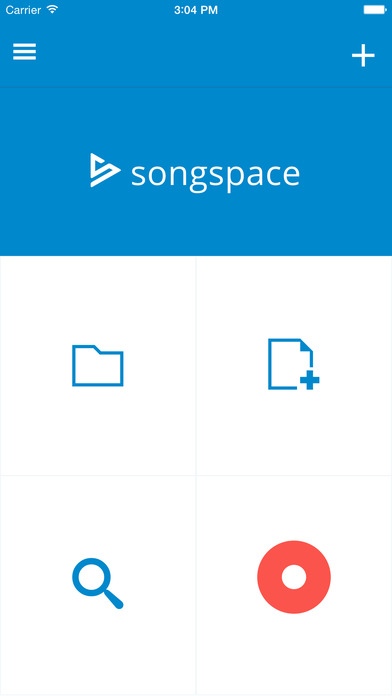
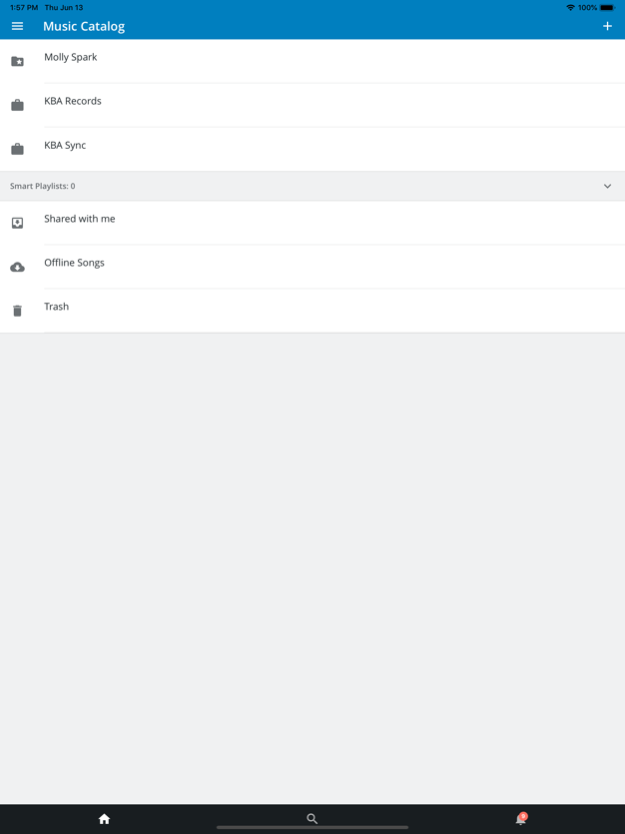
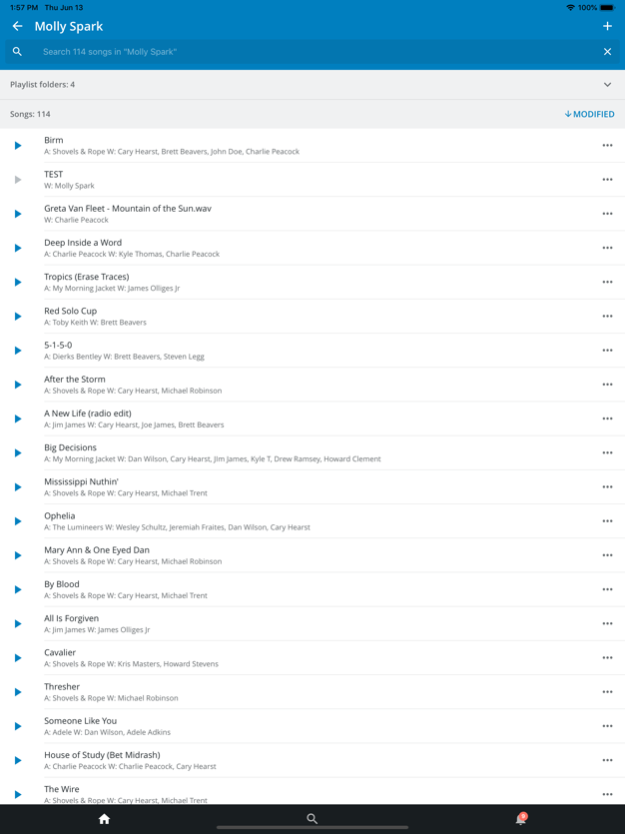

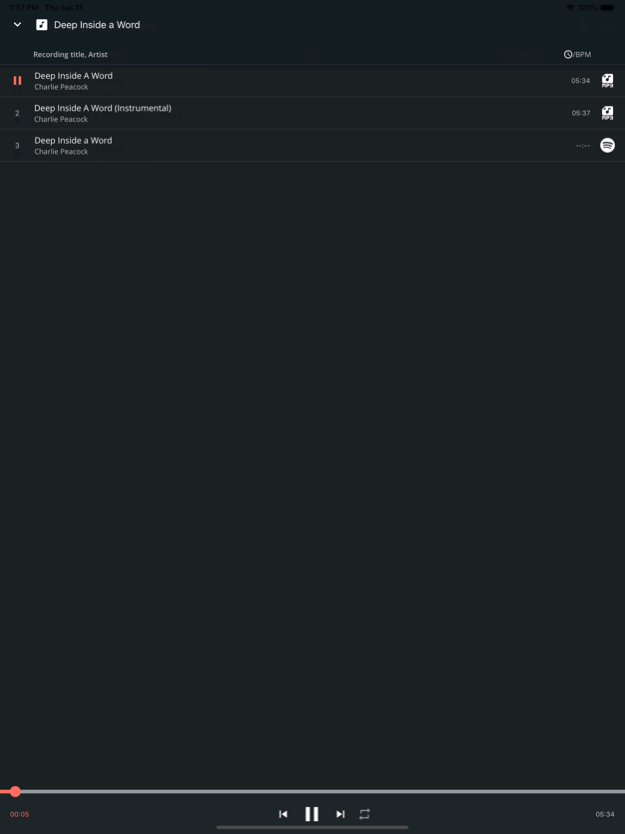
Trusted and used by the world’s top labels, publishers, management teams, artists, and songwriters, Songspace is the leading cloud-based service to manage music and rights in the music industry, with tools to store, share, play and pitch songs professionally. Music industry professionals use siloed off-the-shelf tools not designed to manage music (like Box, iTunes, Excel). Songspace puts you or your team into a single centralized environment built to streamline creative music workflows on the go.
For companies or teams - use the Songspace app to access your company’s catalog to listen, share, track publishing info, search, create or pitch playlists from anywhere.
For creators - save lyrics, upload song ideas, backup your voices recordings, share songs with your publisher or collaborators, keep track of demos, work tapes and versions.
Features include:
* Offline Playback to listen to songs while you are without service or wifi.
* Back up voice memos and tracks recorded on your phone to your cloud-based catalog.
* Search your catalog to find a track or song on the go.
* Share song pages, playlists and pitches from anywhere.
* Store lyrics, access splits, create and manage playlist.
* The Songspace app gives music professionals control and access to their songs and data from anywhere.
Sep 1, 2021
Version 4.2.1
Login fixes
About Songspace
The company that develops Songspace is Songspace, INC. The latest version released by its developer is 4.2.1.
To install Songspace on your iOS device, just click the green Continue To App button above to start the installation process. The app is listed on our website since 2021-09-01 and was downloaded 0 times. We have already checked if the download link is safe, however for your own protection we recommend that you scan the downloaded app with your antivirus. Your antivirus may detect the Songspace as malware if the download link is broken.
How to install Songspace on your iOS device:
- Click on the Continue To App button on our website. This will redirect you to the App Store.
- Once the Songspace is shown in the iTunes listing of your iOS device, you can start its download and installation. Tap on the GET button to the right of the app to start downloading it.
- If you are not logged-in the iOS appstore app, you'll be prompted for your your Apple ID and/or password.
- After Songspace is downloaded, you'll see an INSTALL button to the right. Tap on it to start the actual installation of the iOS app.
- Once installation is finished you can tap on the OPEN button to start it. Its icon will also be added to your device home screen.
Program Details
System requirements
Download information
Pricing
Version History
version 4.2.1
posted on 2021-09-01
Sep 1, 2021 Version 4.2.1
Login fixes
version 4.2.0
posted on 2021-08-14
Aug 14, 2021 Version 4.2.0
Adds ability to enable/disable share links
version 4.1.20
posted on 2020-02-21
21. Feb. 2020 Version 4.1.20
- Bug fixes
- Updated support link
version 4.1.20
posted on 2020-02-21
Feb 21, 2020 Version 4.1.20
- Bug fixes
- Updated support link
version 3.3.20
posted on 2013-05-22
version 4.1.20
posted on 1970-01-01
21 de feb. de 2020 Version 4.1.20
- Bug fixes
- Updated support link
version 4.1.20
posted on 1970-01-01
21 de fev de 2020 Version 4.1.20
- Bug fixes
- Updated support link
version 4.1.20
posted on 1970-01-01
2020年2月21日 Version 4.1.20
- Bug fixes
- Updated support link
Disclaimer
Official App Store Link
We do not host Songspace on our servers. We did not scan it for viruses, adware, spyware or other type of malware. This app is hosted by Apple and passed their terms and conditions to be listed there. We recommend caution when installing it.
The App Store link for Songspace is provided to you by apps112.com without any warranties, representations or guarantees of any kind, so access it at your own risk.
If you have questions regarding this particular app contact the publisher directly. For questions about the functionalities of apps112.com contact us.
